
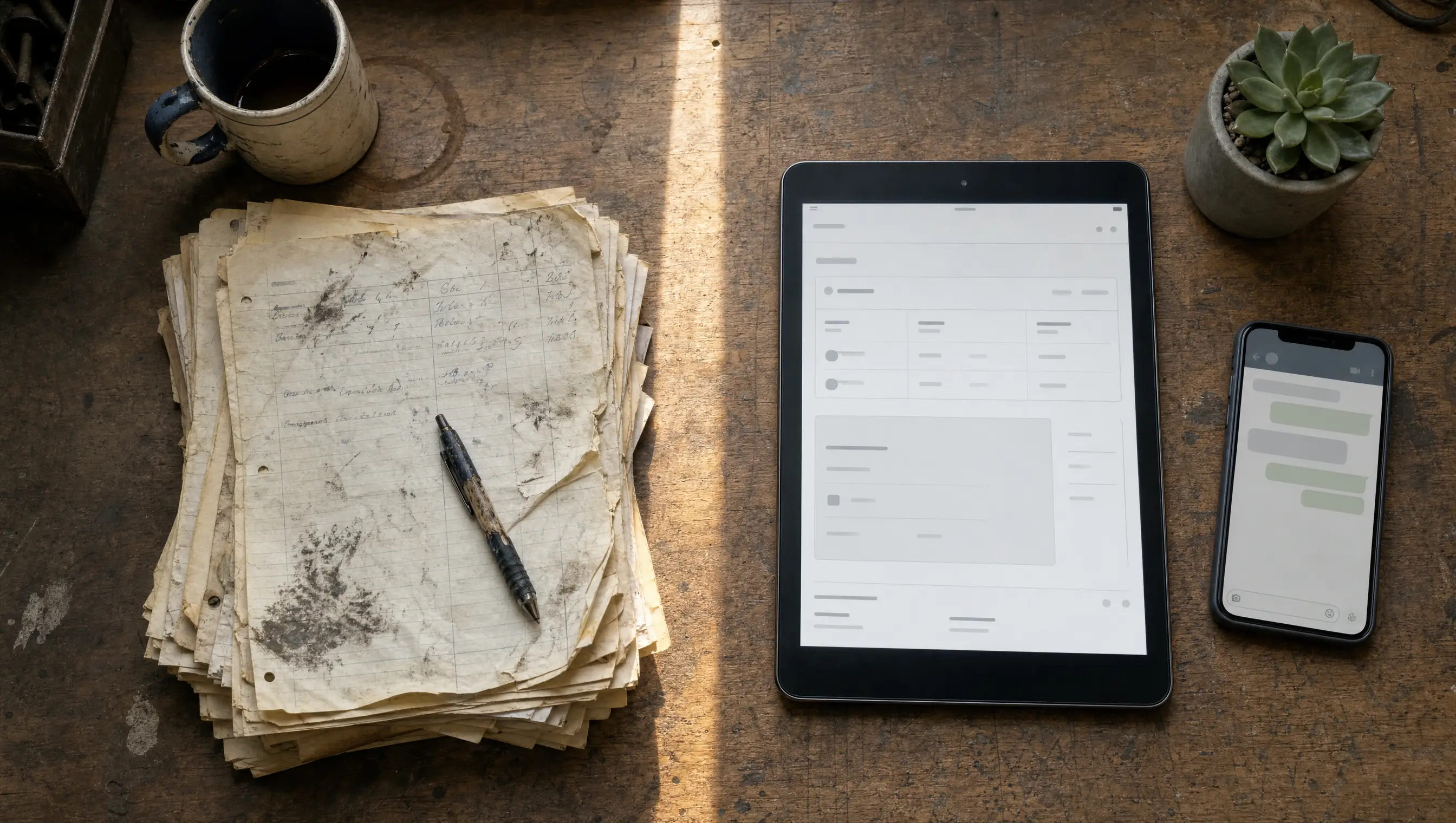
Most workshop owners we meet have tried to go digital at least once. They bought a system, sat through a demo, opened a spreadsheet, and then watched it quietly die over a busy month. The new tool was never the problem. Trying to do everything at once was.
Here is the version that actually works. One day, four blocks, one focus per block. By the end of it your workshop is digital in the only ways that pay back right away.
The 80/20 of going digital
Eighty percent of the value of a workshop system comes from one thing: knowing who your customers are and what cars they drive. Everything else, the inventory counts, the profit reports, the SMS blasts, only matters once that base is in place.
So on day one, you do not touch inventory. You do not import three years of history. You build the customer and vehicle list and you put one full job through the system end to end. That is it.
Morning: get your customer list in
Open your WhatsApp business contacts, your booking notebook, or whatever has been holding your customer details for the last few months. Set yourself a rule: only the last 30 days. Everyone else can wait.
For each customer, type in three things: name, phone number, vehicle plate. Do not worry about email, address, or birthday yet. Those can come later when the customer walks in for service.
A typical Klang Valley workshop has between 20 and 60 customers in any given month. At one minute per customer that is an hour of focused typing. Put on headphones. Lock the office door. Get it done.
- Name as the customer would say it
- Phone in the format you would dial it
- Vehicle plate, make, model
- Skip blanks. You can fill them in when they next come in.
Lunch: set up your first job card
After lunch, pick a job that came in that morning. Walk through the system as if it were a real customer. Open the customer record. Open the vehicle. Create the job card. Add the work. Save.
The goal here is not to capture every detail. The goal is to feel the workflow. Where do you tap to add a service item? How do you mark the job as in progress? How does the mechanic on the other side of the workshop see what they should be doing?
In MekaHub, the job card flow is intentionally three taps: pick the customer, pick the vehicle, write the job. If your current system is slower than that, find a faster system.
Want to follow along on a live workshop?
Seven days free. No credit card. Set up your first customer, vehicle, and job card in about fifteen minutes.
Afternoon: print or share one digital invoice
When the job is done, build the invoice from the job card. The system fills in the customer, the vehicle, the items, and the totals. Toggle SST if needed. Save it.
Then share it. The fastest way is the WhatsApp share button. The customer gets a link, opens it on their phone, and sees a clean invoice with your workshop name and logo at the top. No login, no app install, no PDF wrestling. They pay by cash, bank transfer or cheque, and you record it in one tap.
The first time a customer gets a digital invoice from your workshop, something changes. It is small but it matters. They start to think of you as a modern shop. They remember it the next time they need work done.
Evening: schedule one WhatsApp reminder for tomorrow
Before you close up, pick one customer from your morning list whose last service was around six months ago. Open their record. Send a reminder. A friendly note, name, vehicle, last service date, and a single question: any time next week to come in?
You will be surprised how often the answer is yes. Customers are not avoiding you. They are busy. A nudge from someone they trust is welcome.
What you do not do on day one
Three things stay off the day-one list, no matter how tempting:
- Inventory backfill. Counting every bolt and battery before you go live is a great way to never go live. Inventory can come in week two, item by item, as parts are used.
- Historical job cards. You do not need to retype 18 months of receipts. Start from today. The past is in your books. The future is in the system.
- Fancy reports. Profit margins, technician productivity, parts velocity. All useful, none of them on day one. Reports get useful after a month of data.
The next morning
Open the system before the first customer arrives. Yesterday is in there. Today is a blank page. The next customer who walks in goes through the workflow you just learned. Then the next. By the end of week one, every job that came in this week lives in the system, and the paper notebook is closed for good.
That is what digitalising a workshop actually looks like. Not a project. A day, then a habit.